
Kriya App — Download APK for Android and iOS in Bangladesh
Updated
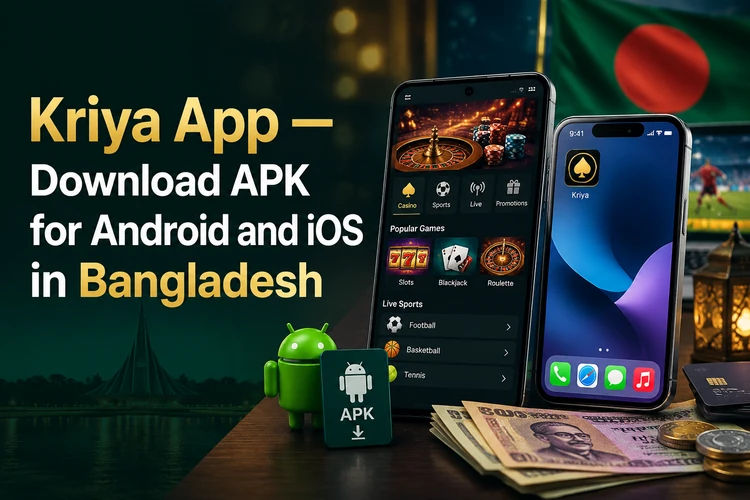
Players in Bangladesh can access the full range of features through a mobile application kriya. Since Google Play does not host the app, Android users download the APK file from the official kriyabgd.com site. IPhone owners rely on a Safari shortcut that behaves like a native application.
The mobile solution supports বাংলা interface, accepts BDT deposits, and delivers push notifications for promotions and bet results. Installation takes under three minutes on most devices.
Kriya App Overview
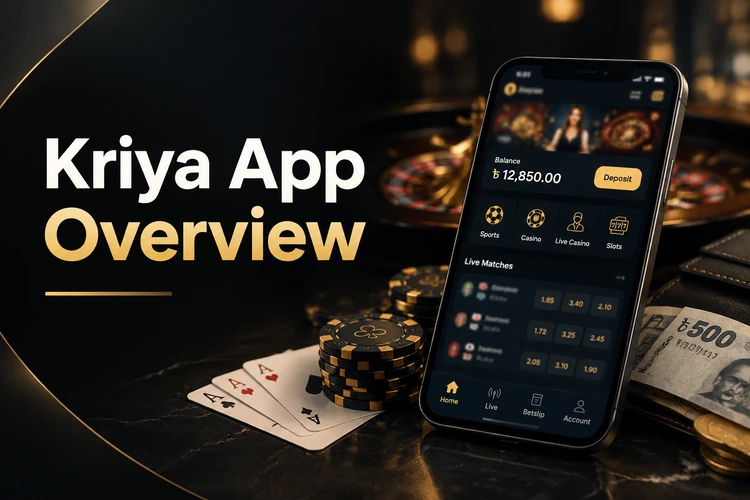
The application mirrors every function available on the desktop site. It runs smoothly on devices released in the past five years and requires minimal storage space. Users log in with the same credentials they created on the web platform.
The overview below covers the main technical details for users comparing the kriya app with the browser version.
| Parameter | Details |
|---|---|
| Version | 3.2.1 |
| APK Size | 48 MB |
| Operating System | Android 6.0+ / iOS 12+ |
| Languages | English, বাংলা, Hindi |
| Currency | BDT, USD, INR |
| Price | Free |
| Installation Method | APK download / Safari shortcut |
| Last Update | February 2026 |
No subscription or hidden fees apply. The kirik kriya platform covers server costs through gaming operations, so the app remains free for all users in Bangladesh.
Download The Kriya APK For Android
Android users obtain the installation file from the kriya bangladesh official website. The process bypasses Google Play restrictions that affect many international betting platforms operating in South Asia.
Android Requirements
The application demands modest hardware resources. Most smartphones sold in Bangladesh after 2019 meet the technical specifications without issue.
- Android version 6.0 or higher
- 2 GB RAM minimum
- 80 MB free storage space
- Stable internet connection via Wi-Fi or mobile data
Devices with 1 GB RAM may experience slower load times but remain functional. The kriya online platform optimized the code to run on budget handsets common in the region.
How To Install Kriya APK
The setup procedure requires enabling a single system permission. After installation, users can revert this setting for added security.
- Visit kriyabgd.com and tap the Download App button
- Open Settings, navigate to Security, and enable Install from Unknown Sources
- Locate the downloaded APK file in your device's Downloads folder
- Tap the file and confirm the installation prompt
- Launch the app and log in with your existing account or register a new one
Once the kriya app login is complete, the unknown sources permission can be disabled. The installed application will continue to function without this setting active.
Kirik Kriya On IPhone And IPad
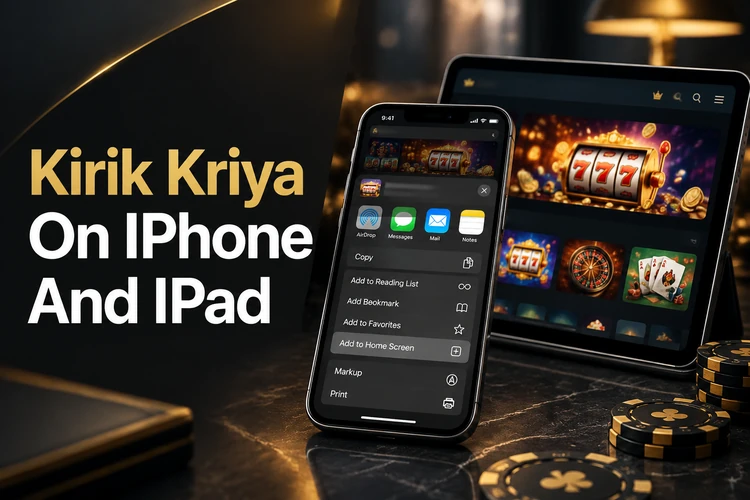
Apple's App Store policies prevent direct distribution of the application. Instead, iOS users add a web app shortcut that opens the mobile site in a dedicated Safari window.
The shortcut uses the same account details as Android and desktop access. It does not require an App Store download or an APK file.
- Open Safari and go to kriyabgd.com
- Tap the Share icon at the bottom of the screen
- Select Add to Home Screen from the menu
The shortcut icon appears on the home screen alongside native apps. Tapping it launches a full-screen session with the kriya casino interface, minus the Safari toolbar.
Updating The Kriya App
The platform pushes periodic updates to improve stability and add payment methods. A notification banner appears inside the app when a new version becomes available.
- Uninstall the current version from your device
- Visit kriyabgd.com and download the latest APK
- Install the new file using the same permissions as before
Your account balance, bet history, and saved preferences remain intact after the update. The kriya bonus progress also carries over without interruption.
Kriya App Vs Mobile Site
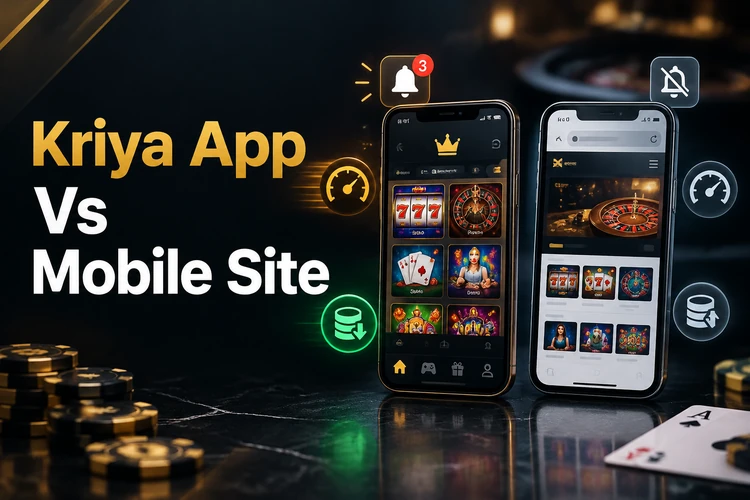
Both access methods connect to the same servers and share a unified account system. The choice depends on personal preference and device storage capacity.
The comparison is useful for players in Bangladesh who switch between Wi-Fi and mobile data. It also shows why storage capacity can influence the choice.
- Speed: the app loads games faster due to cached assets
- Notifications: push alerts work only in the installed application
- Storage: the mobile site requires no disk space
- Installation: the browser version needs no APK download or permissions
Players who switch between devices often prefer the mobile site. Those who bet daily from a single phone benefit from the app's one-tap access and real-time alerts.
What You Can Do In The Kirik Kriya App
Every feature from the desktop platform is available on mobile. The interface adjusts to portrait and landscape orientations automatically.
- Registration: create a new account with phone number or email verification
- Deposit and Withdrawal: use bKash, Nagad, Rocket, or bank transfer
- Sports Betting: place pre-match and live bets on cricket, football, and kabaddi
- Casino: play slots, roulette, blackjack, and live dealer games
- Support Chat: contact the help team directly from the app menu
The বাংলা language option appears in the settings menu. Switching languages takes effect immediately without requiring a restart or re-login to the kriya casino game library.
App Bonuses And Notifications
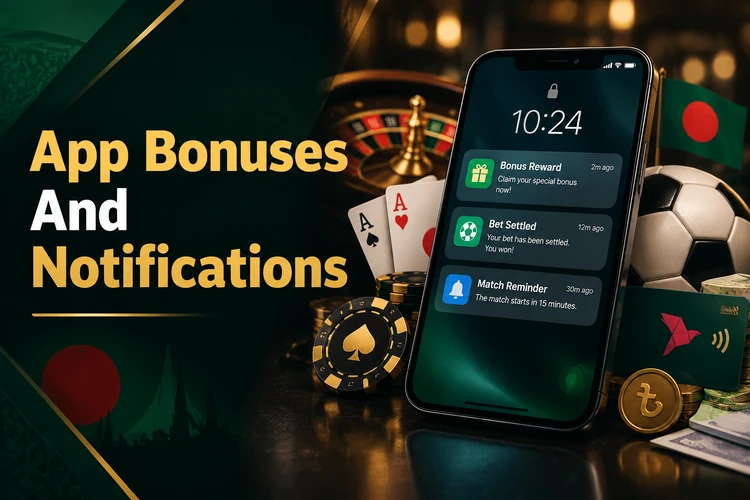
Push notifications keep players informed about time-sensitive promotions and bet outcomes. The system sends alerts only for events relevant to your activity.
Notifications are useful when a promotion or sporting event has a short availability period. They can also help users track settled bets.
- New Promotions: announcements for deposit bonuses and free spins
- Bet Settlement: instant updates when your wager is calculated
- Match Start: reminders for live events you added to favorites
Notification preferences live in the app settings panel. Disabling alerts does not affect your eligibility for bonuses or account security messages.
Fixing Kriya App Problems
Most technical issues stem from outdated software or temporary server load. Standard troubleshooting resolves the majority of reports within one minute.
- APK Not Installing: verify that Install from Unknown Sources is enabled in system settings
- App Crashes: clear the cache in Android settings or reinstall the latest version
- OTP Not Arriving: check your SMS inbox and spam folder, then request a new code after 60 seconds
- Games Not Loading: switch from mobile data to Wi-Fi or restart your router
If the problem persists after trying these steps, open the in-app chat and provide your device model and Android version. The support team typically responds within five minutes during peak hours.
FAQ
Yes. The APK file is digitally signed and hosted on the official kriyabgd.com domain. Android may display a warning because the app is not distributed through Google Play, but this is standard for international betting platforms in Bangladesh. Always download from the official site to avoid modified versions.
Google Play prohibits real-money gambling apps in most regions, including Bangladesh. Many licensed operators distribute APK files directly to comply with both local regulations and platform policies. This method is widely used across South Asia.
Yes. The same login credentials work across the mobile app, desktop site, and mobile browser version. Your balance, bet history, and bonus progress sync automatically across all platforms.
Standard usage consumes 15 to 25 MB per hour. Live casino streams require more bandwidth, up to 60 MB per hour on high-quality settings. Pre-loading games on Wi-Fi reduces mobile data usage during sessions.
Yes. All promotions available on the desktop site appear in the app's Bonuses section. Deposit bonuses, free spins, and cashback offers apply regardless of which platform you use to fund your account or place bets.